
Supported Browsers Overview


Version 65 and above |

Version 65 and above |

Version 65 and above |

Version 65 and above |

Version 65 and above |

Version 65 and above |
How to Use
Installation: Navigate to Marketing > File & Templates > Design Tools > @marketplace > Shunyavkash folder to find the Before vs After Showcase Module. Install it.
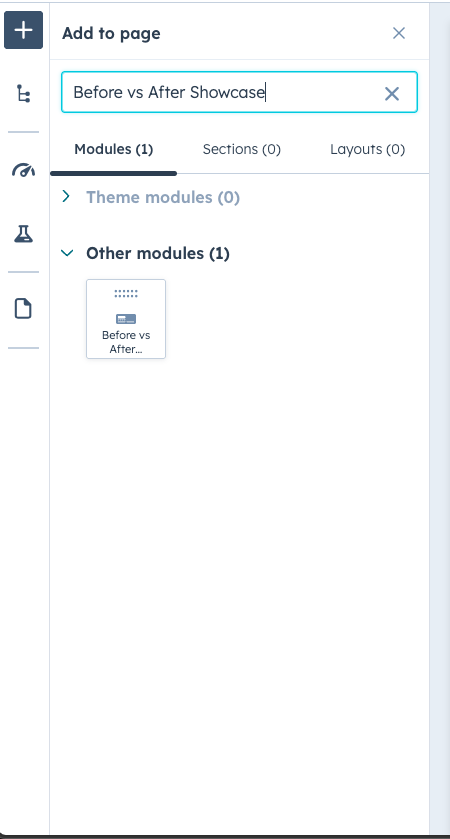
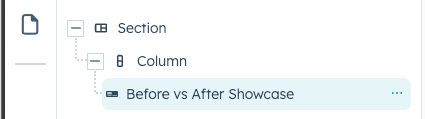
Integration: In the Marketing section, choose Website Menu > Website Pages and add the "Before vs After Showcase" module to the page you want.
Content Customization
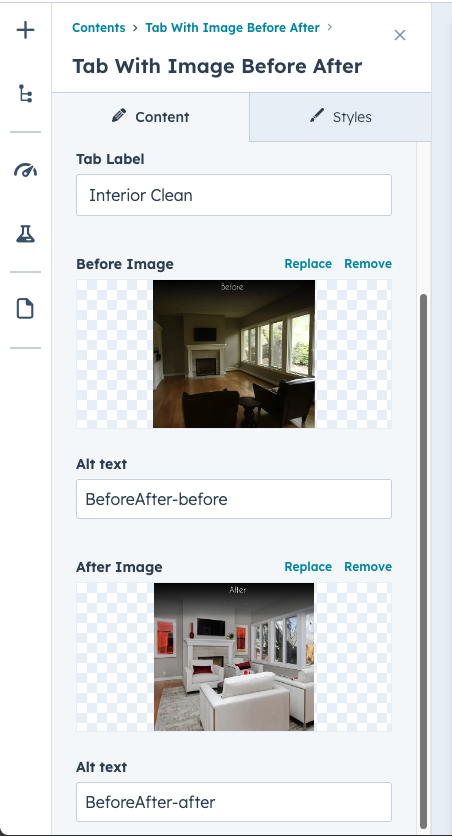
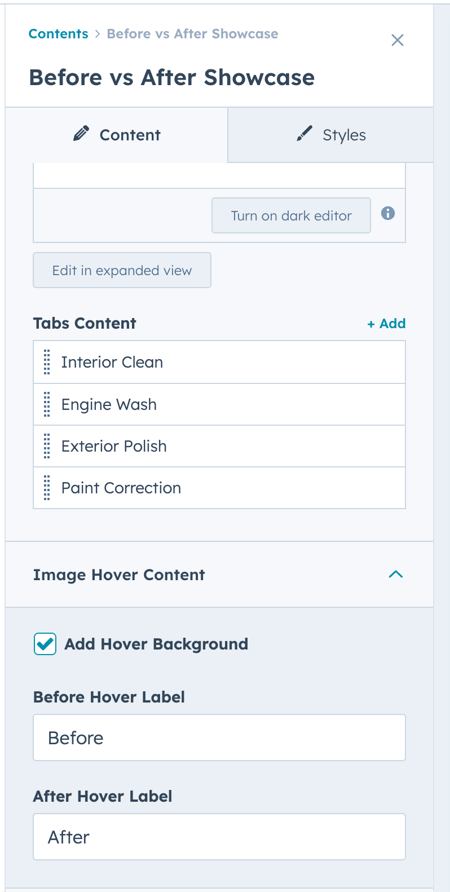
- Before Image : Decide whether to choose an Image from your systerm upload in hubspot
-
After Image : Decide whether to choose an Image from your systerm upload in hubspot
-
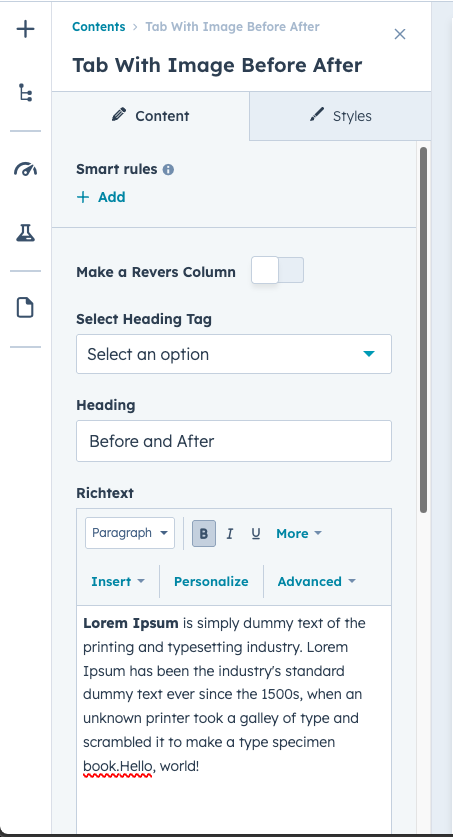
Heading: Enter the Section title here.
-
Richtext: Describe the service in this section.
-
Tabs Label : Enter the Tab Label here.
Style Customization
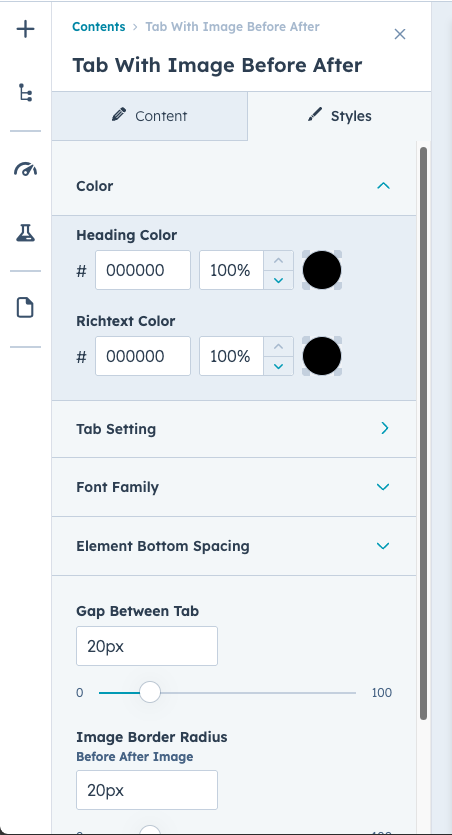
Utilize the Style Group options to refine the Before vs After Showcase:
We’re Not Here to Sell, We’re Here to Solve
Talk with strategic minds and developers, not just salespeople. Whether it’s your website, product, platform, or automation flow, let’s sketch the blueprint together. No fluff. Just meaningful collaboration. We reply same day.
